This post briefly explains how I use this browser extension for my Github Jekyll blog.
Jekyll static blogs are built on Ruby and support plugins. So I wrote a few plugins myself (Jekyll blog plugins are located in the _plugins directory—just drop the Ruby file there and restart the service) to handle Liquid templating, with content sourced from Notion via Notion Flow conversion. For example, here’s the plugin code for processing bookmarks:
# 上传的 video moduleJekyll classRenderVideoBlock < Liquid::Block definitialize(tag_name, attr, tokens) super attrs = attr.scan(/caption\=\"(.*)\"\simg\=\"(.*)\"\ssuffix\=\"(.*)\"/) @caption = attrs[0][0] @img = attrs[0][1] @suffix = attrs[0][2] end defrender(context) text = super "<p caption='#{@caption}'><video controls muted><source src='#{@img}' type='video/#{@suffix}' /></video></p>" end end end
The logic here is: if a Notion bookmark module link points to YouTube or Bilibili, it’s converted to embedded video HTML (iframe); otherwise, it’s transformed into HTML resembling Notion bookmarks (requiring CSS for styling).
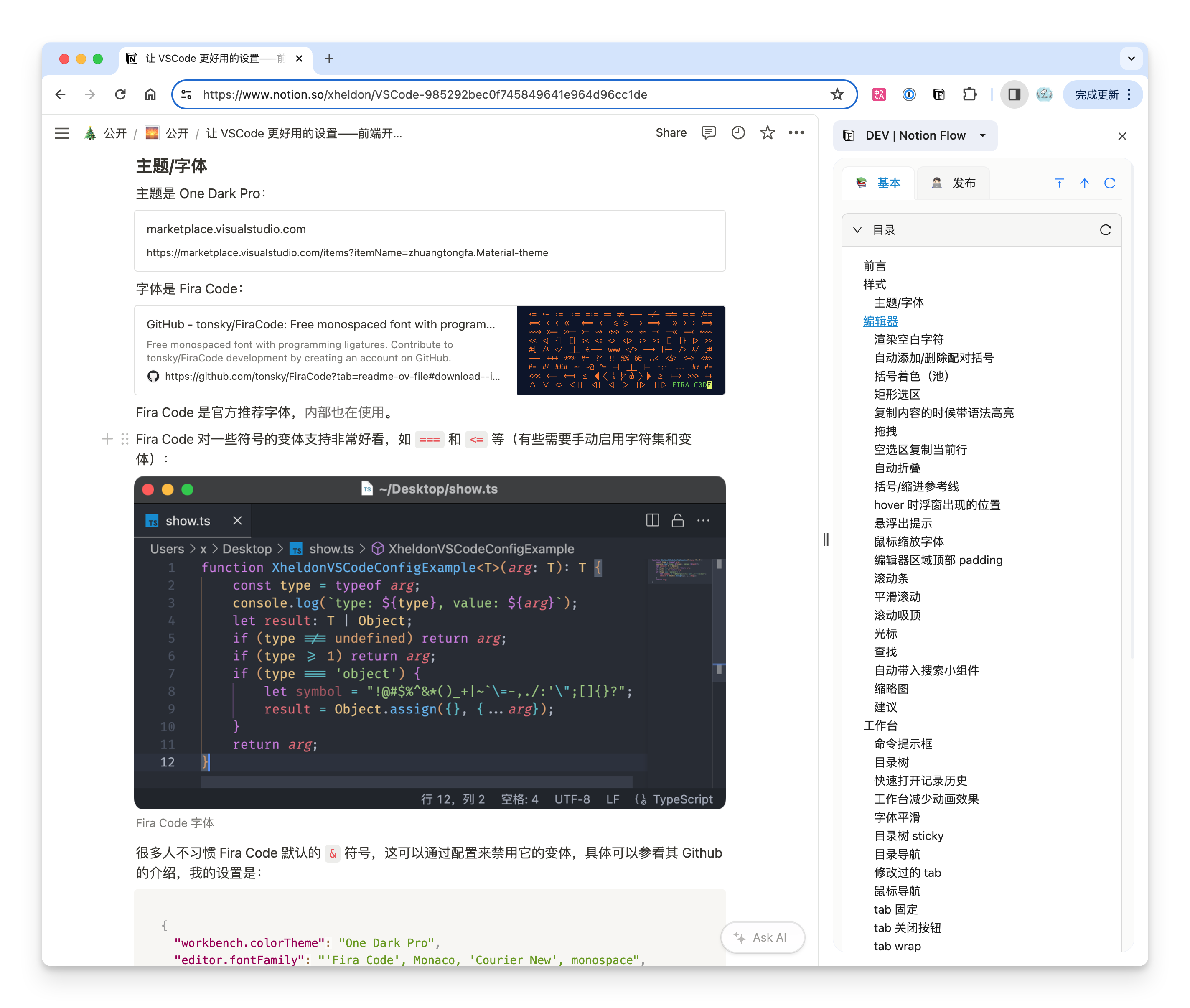
Thus, while using Notion Flow to convert Notion content into Markdown format, I customized the conversion rules for modules like bookmarks to ensure the blog displays YouTube, Bilibili, and Notion-style bookmark content, as shown here:
One thing to note (I’m not deeply familiar with Ruby): Liquid template tags must enclose text content (even if unused), or the Ruby plugin won’t generate HTML. For example:
1
{% render_video %}这里必须有任意内容!{% endrender_video %}
In the Ruby plugin, the super variable will receive the phrase “There must be some content here!” (you may choose not to use this variable). If this content is absent, the plugin will not return anything at all.
I often wish that when facing some key decisions in life, someone could tell me the best course of action so that I would not waste my precious time. Putting myself in others' shoes, I therefore write blogs often, hoping to record in this tiny corner of the vast Internet the once-in-a-lifetime experiences that matter to me, and to help those who seek help.

 0.4.1 | Notion Flow Feature https://notion-flow.xheldon.com/blog/2024/03/31/0.4.1
 I often wish that when facing some key decisions in life, someone could tell me the best course of action so that I would not waste my precious time. Putting myself in others' shoes, I therefore write blogs often, hoping to record in this tiny corner of the vast Internet the once-in-a-lifetime experiences that matter to me, and to help those who seek help.